ToolboxVR features

01 / 10 Avatar Presence & Spatial Voice

Be in the room, not on a call

Everyone shows up as a real presence you can see, turn to, and talk with directly. Voices rise and fade with distance and direction, so a quiet aside stays private while a group conversation feels completely natural. It is the difference between being together and merely dialing in.
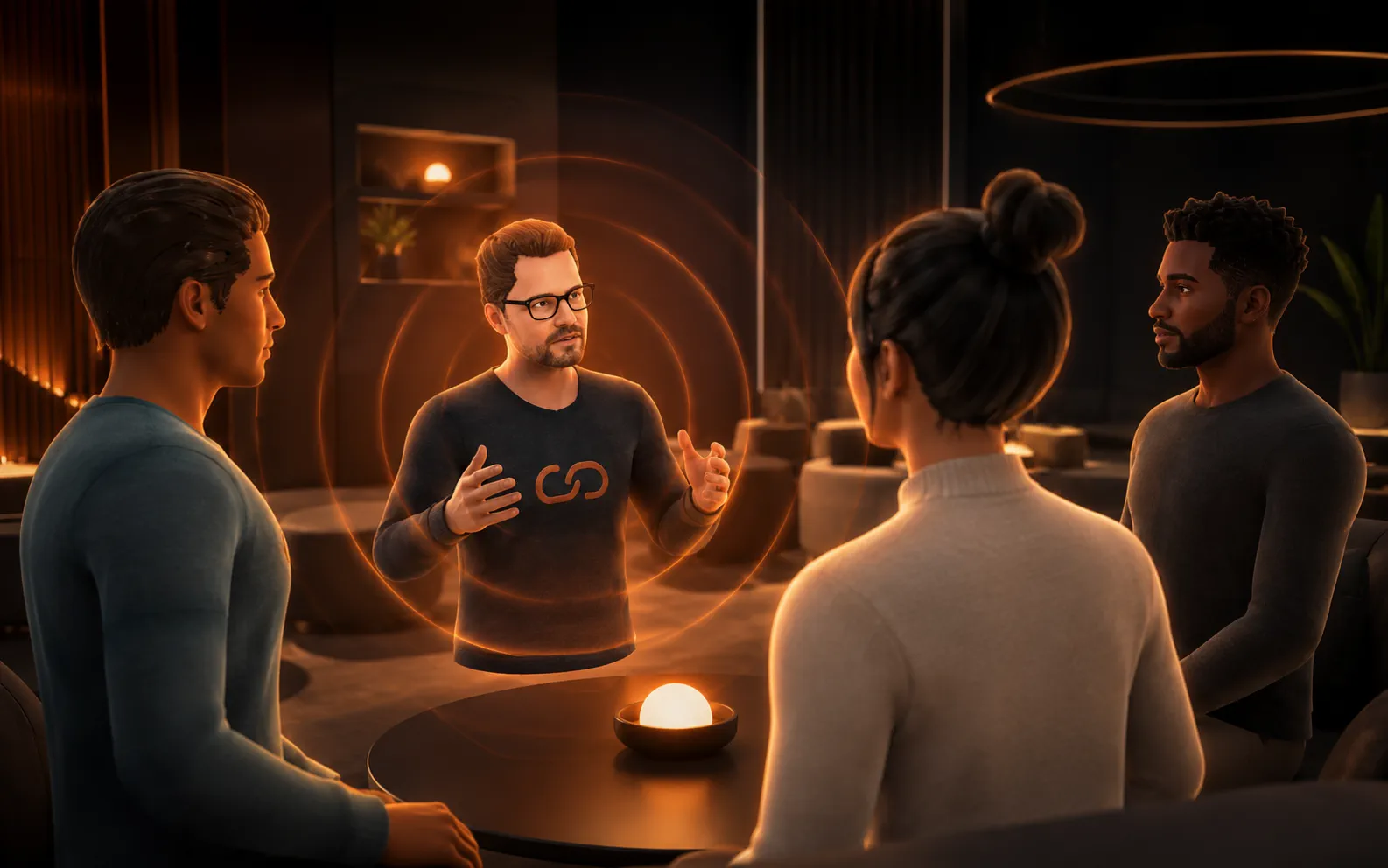
Avatars gathered in a warmly lit virtual space, facing one another in conversation
02 / 10 Interactive 3D Objects

Learn by doing, not just watching

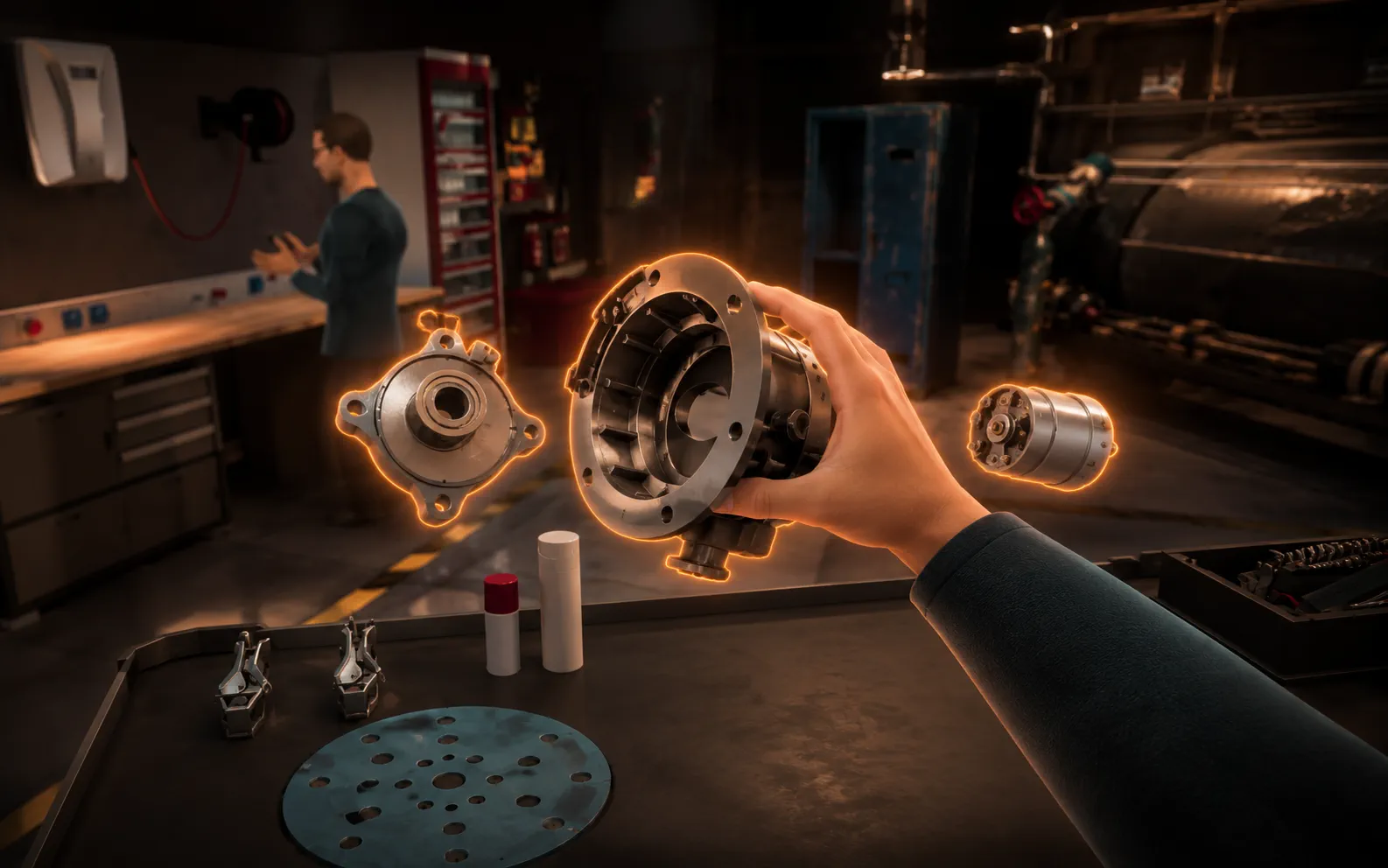
Reach out to grab, move, assemble, and activate the objects around you, exactly as you would in the real world. Teams rehearse real procedures and run hands-on demonstrations without the cost, risk, or downtime of physical equipment. People remember what they do far longer than what they are simply told.

A virtual hand grabbing and manipulating a glowing 3D component in mid-air
03 / 10 Scene Navigation & Teleportation

Move through any space with ease

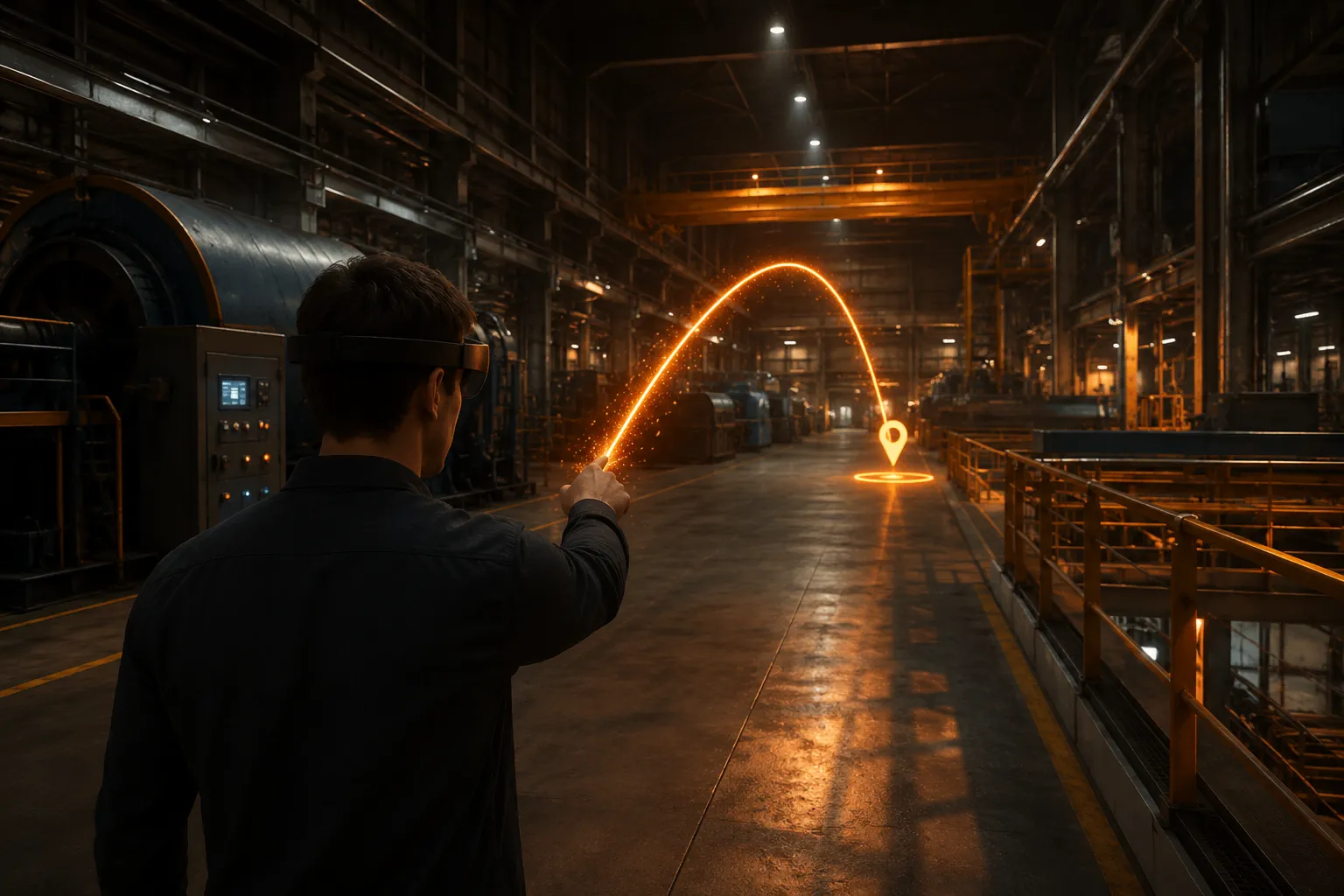
Cross a factory floor or step up to a distant model with a single, comfortable motion. Teleportation and guided navigation points make even sprawling environments effortless to explore, and first-time users find their footing within seconds. No manuals, no queasiness, no awkward learning curve.

A glowing teleport arc pointing across an expansive virtual environment
04 / 10 Media Player

Bring your presentations into the room

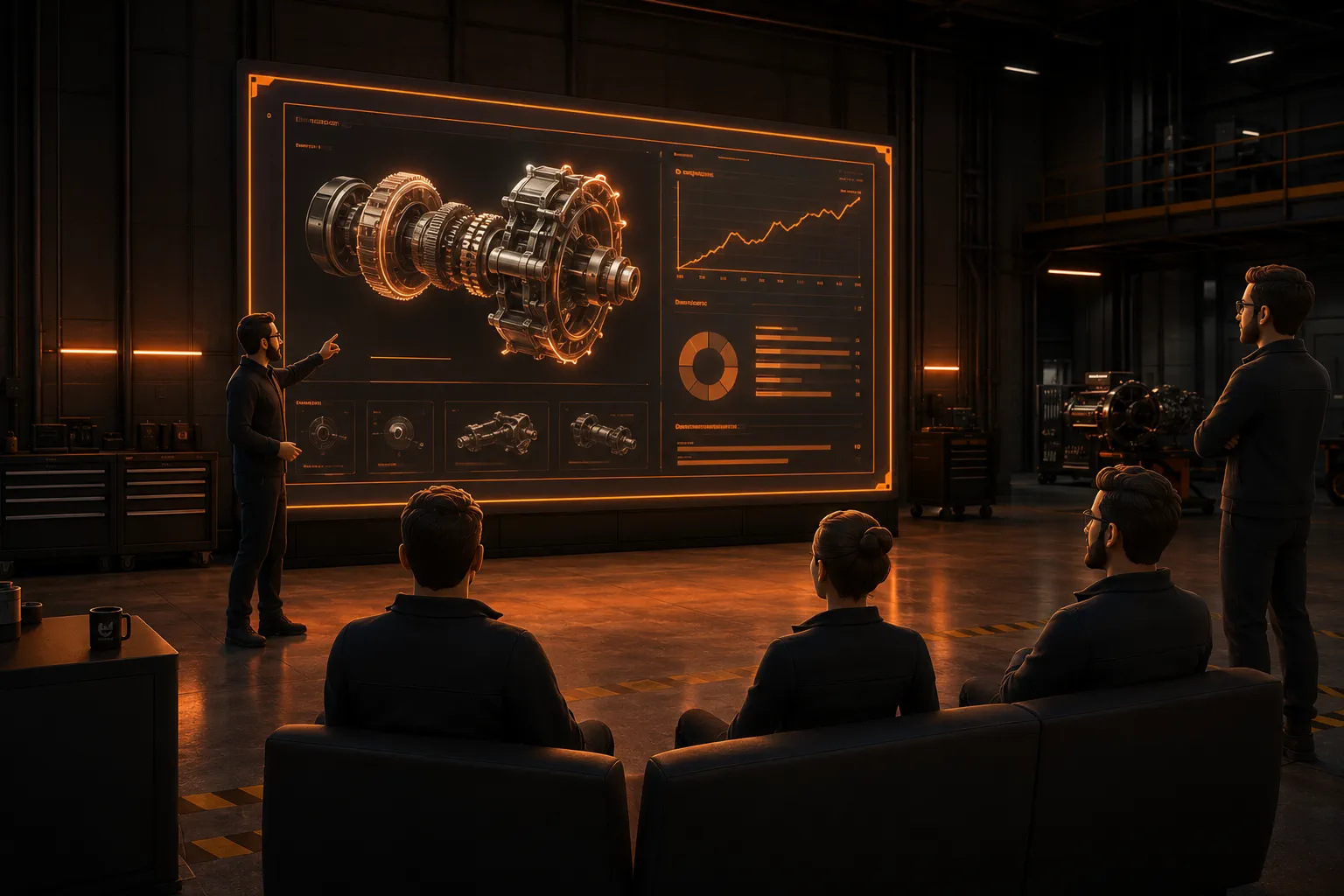
Show PDFs, slides, and videos on large in-world screens that everyone can gather around together. Your existing decks and training material work straight away, with no reformatting required. In an instant, a shared space becomes a briefing room, a cinema, or a classroom.

A large in-world presentation screen displaying slides to avatars seated nearby
05 / 10 Spawner

Endless practice, on demand

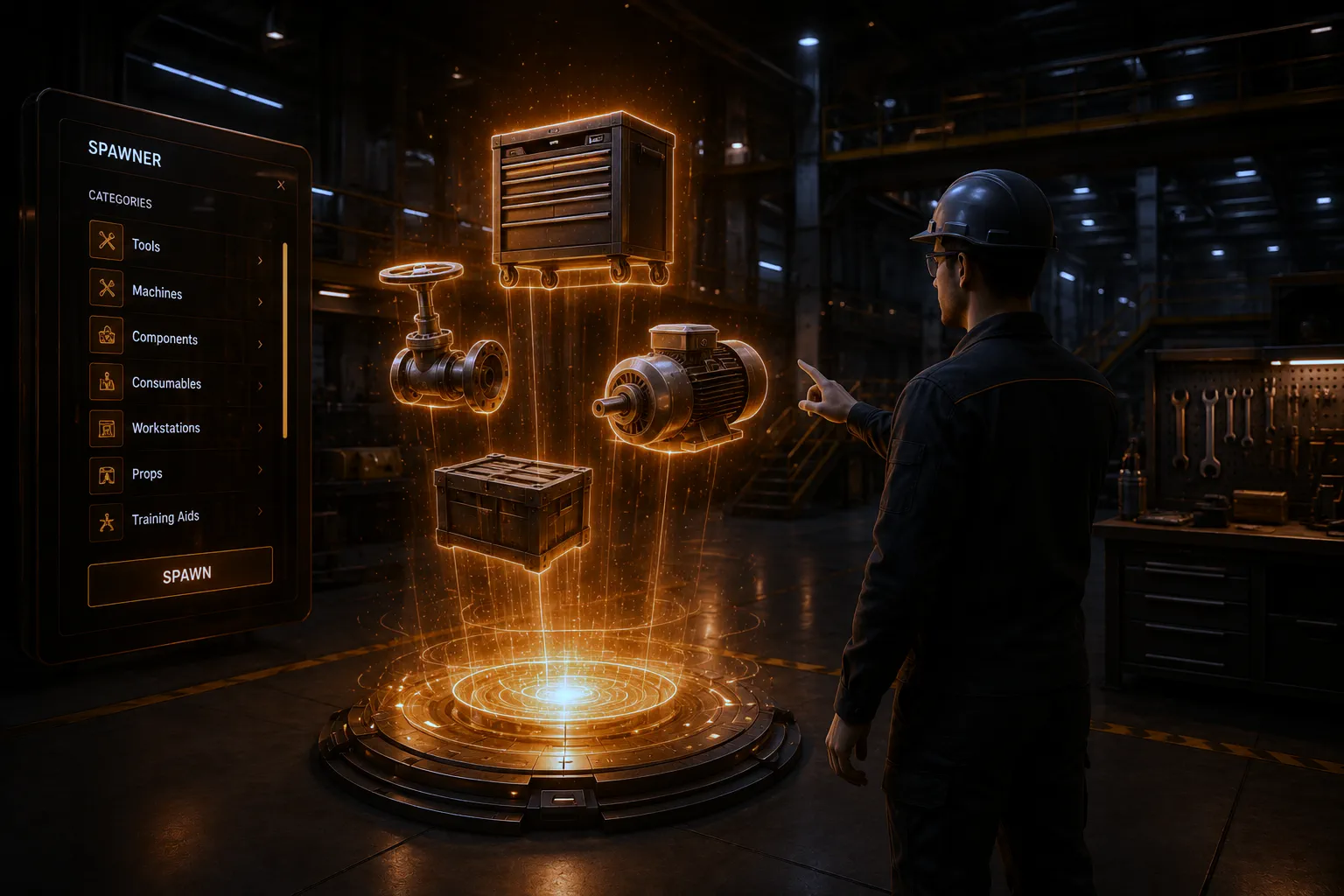
Summon the exact objects a lesson or exercise calls for, pre-configured and ready to use. Instructors can reset a scenario and run it again as many times as it takes to build genuine confidence. Every learner gets unlimited repetitions, and no one resets the room by hand.

Configurable training objects materialising from a glowing spawn point
06 / 10 Dynamic Poster

Fresh signage in a single click

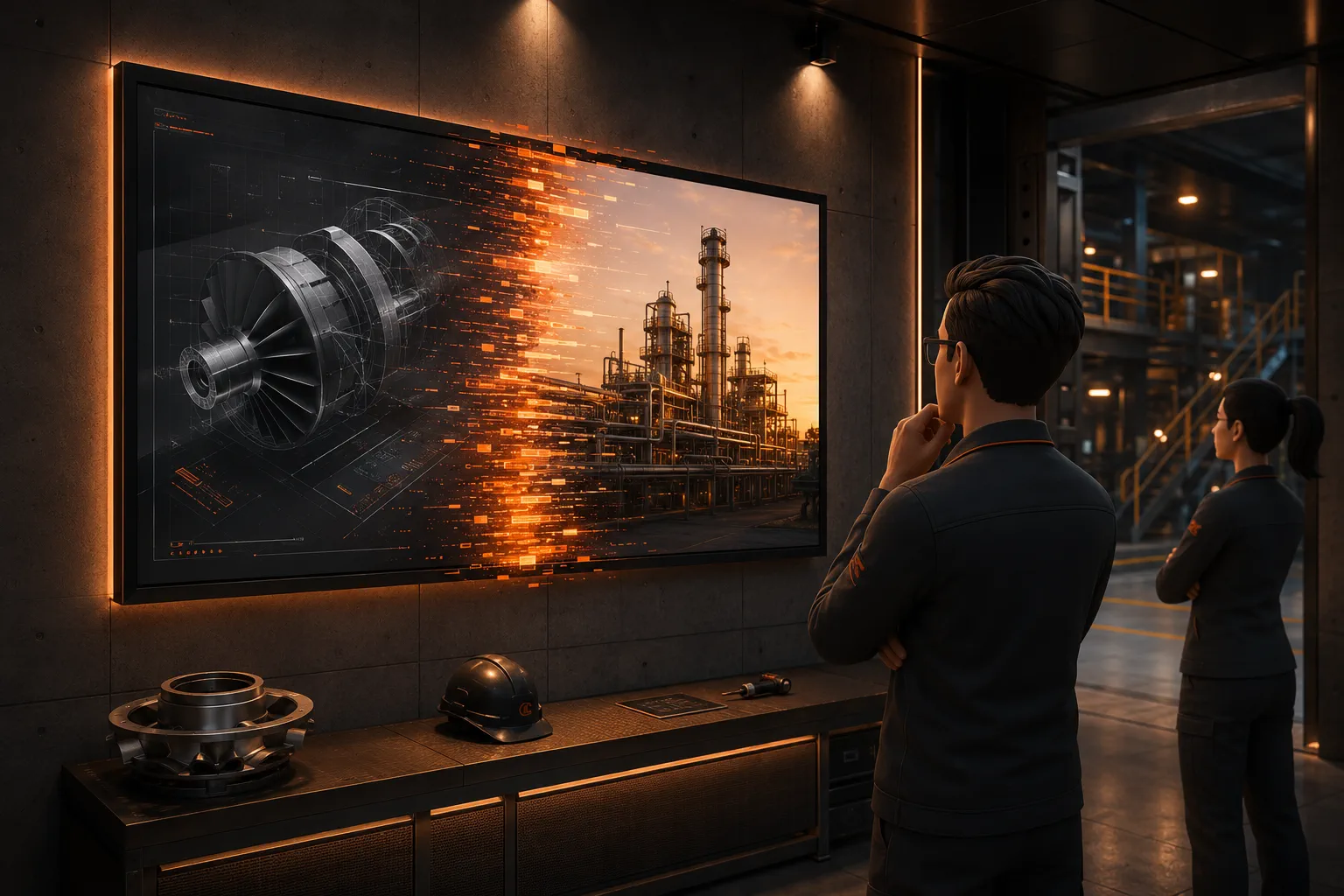
Swap the images, branding, and signage across a world the moment you need to, straight from the backend. Tailor a space to a specific client, event, or campaign without ever touching the environment itself. What everyone sees is always current, never last month's.

A wall-mounted poster in a virtual room updating to new branding
07 / 10 Shrink Me

Step inside the things you build

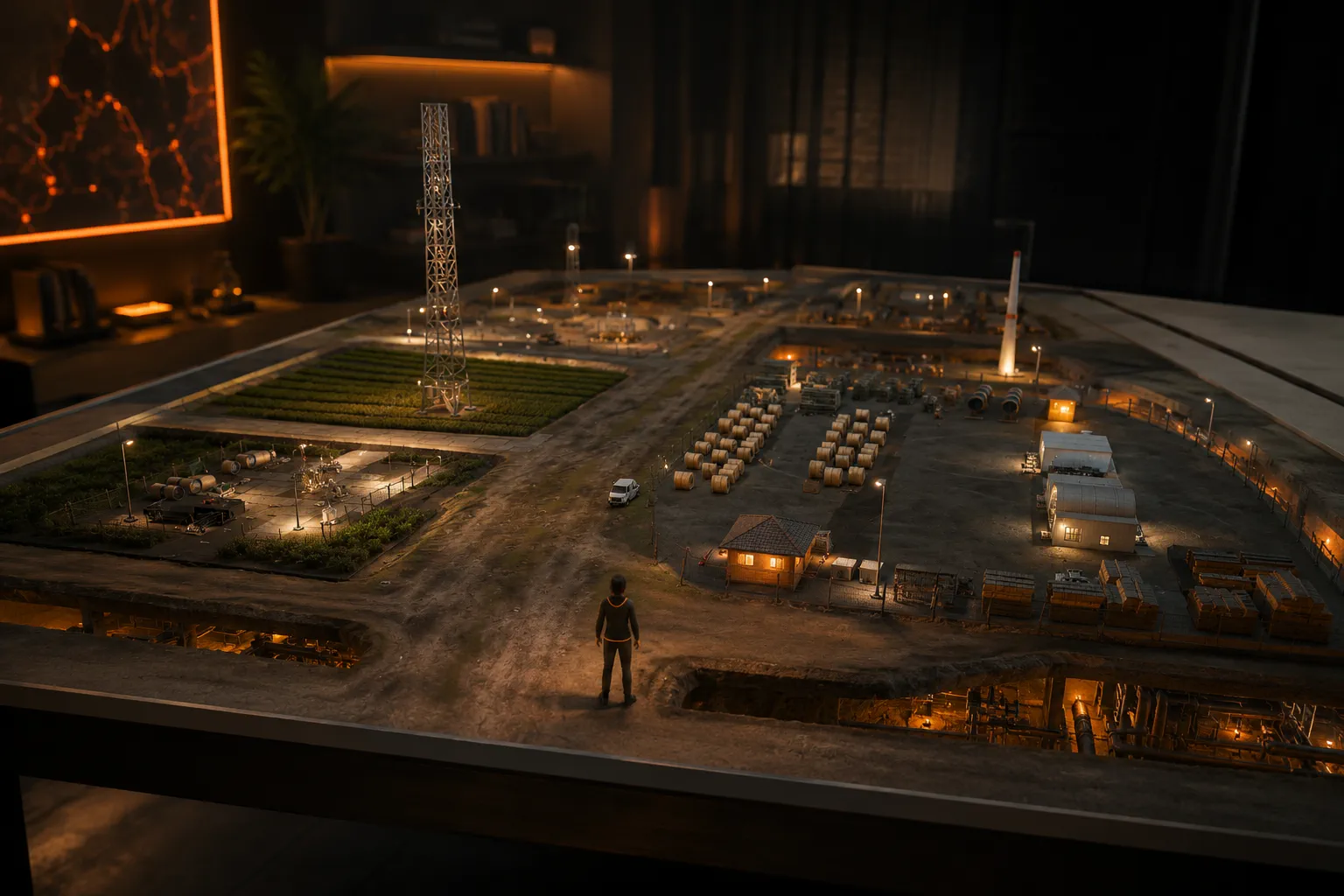
Shrink yourself down and walk through a model at full relative scale, from a single engine to an entire building. Details that vanish on a flat screen become something you can stand beside and inspect up close. It is a perspective no blueprint or render can offer.

A miniature person standing inside a giant detailed model at full relative scale
08 / 10 Roles & Permissions

Everyone gets exactly the right access

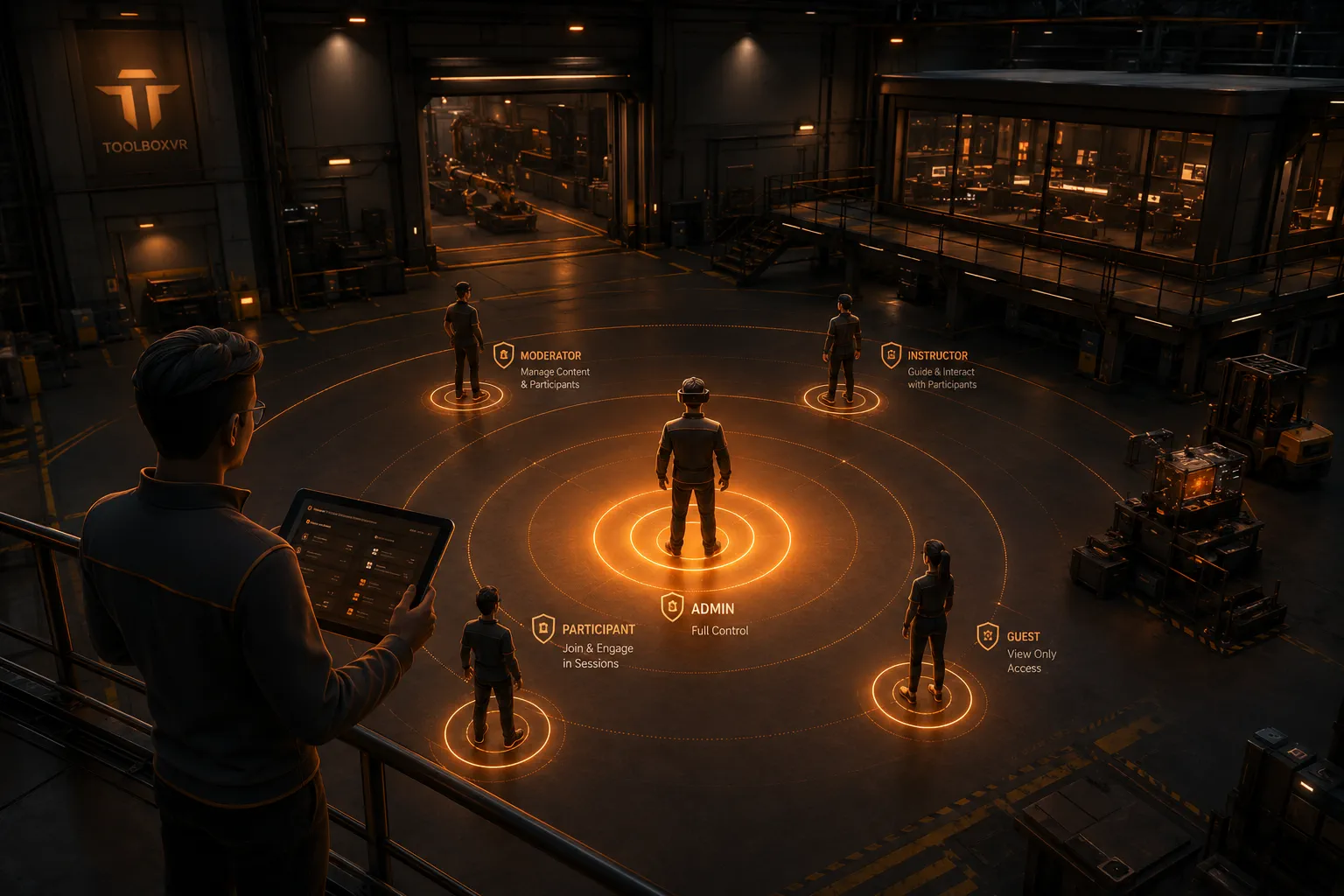
Give each person the control they need and nothing they do not, from guests and participants to moderators and administrators. Sessions stay calm and on track because the right people guide the room while everyone else simply takes part. You remain firmly in charge of who can do what, and where.

Layered access rings around a virtual space, highlighting different permission levels
09 / 10 Interactive Browser

The live web, right on the wall

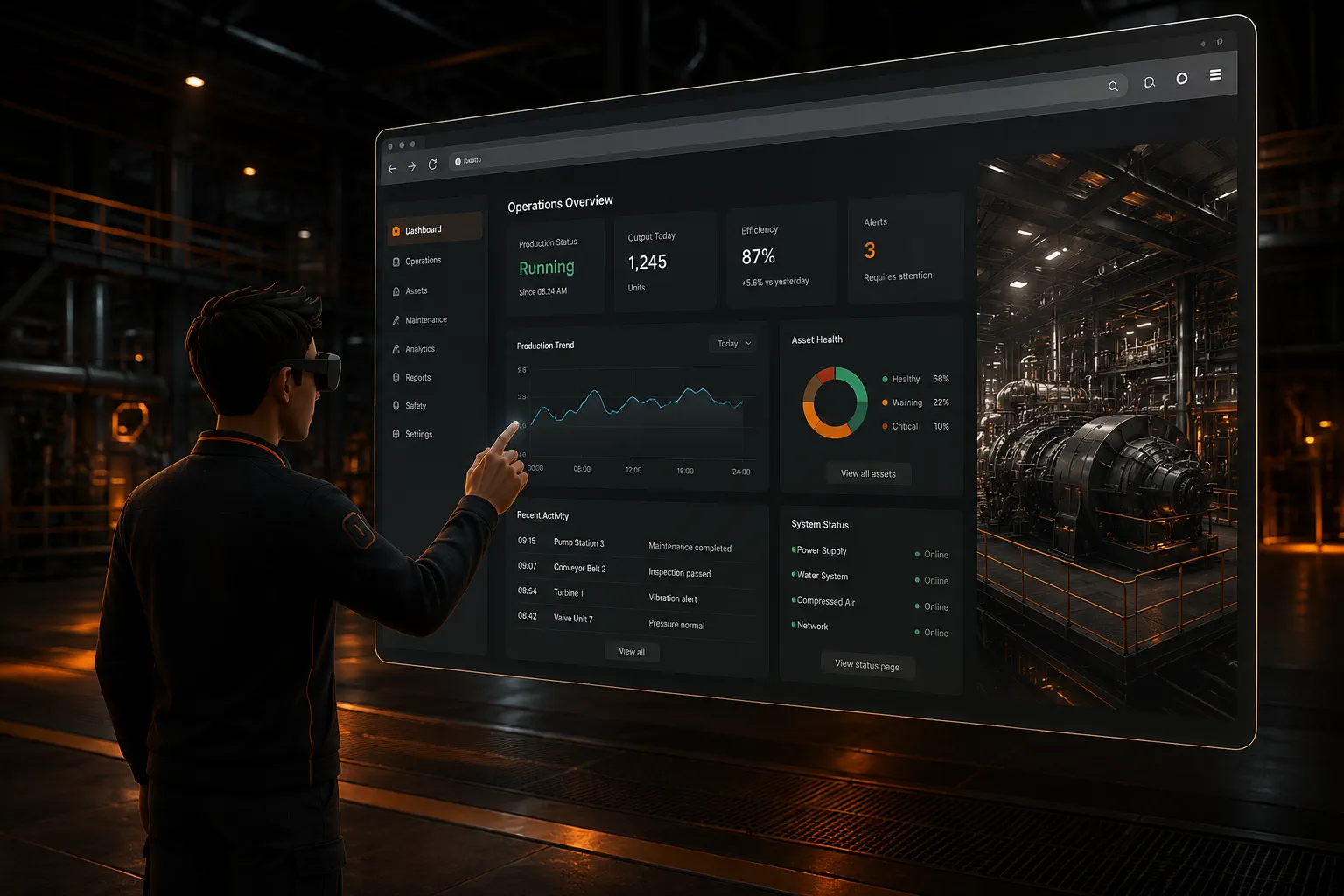
Open real, working websites on a surface inside your world and use them together in real time. Pull up a live dashboard, a documentation page, or a web app without ever leaving the experience. Everything your team relies on online comes with them into the room.

A live interactive website rendered on a large surface inside a virtual environment
10 / 10 Live Backend Control

Update your world without rebuilding it

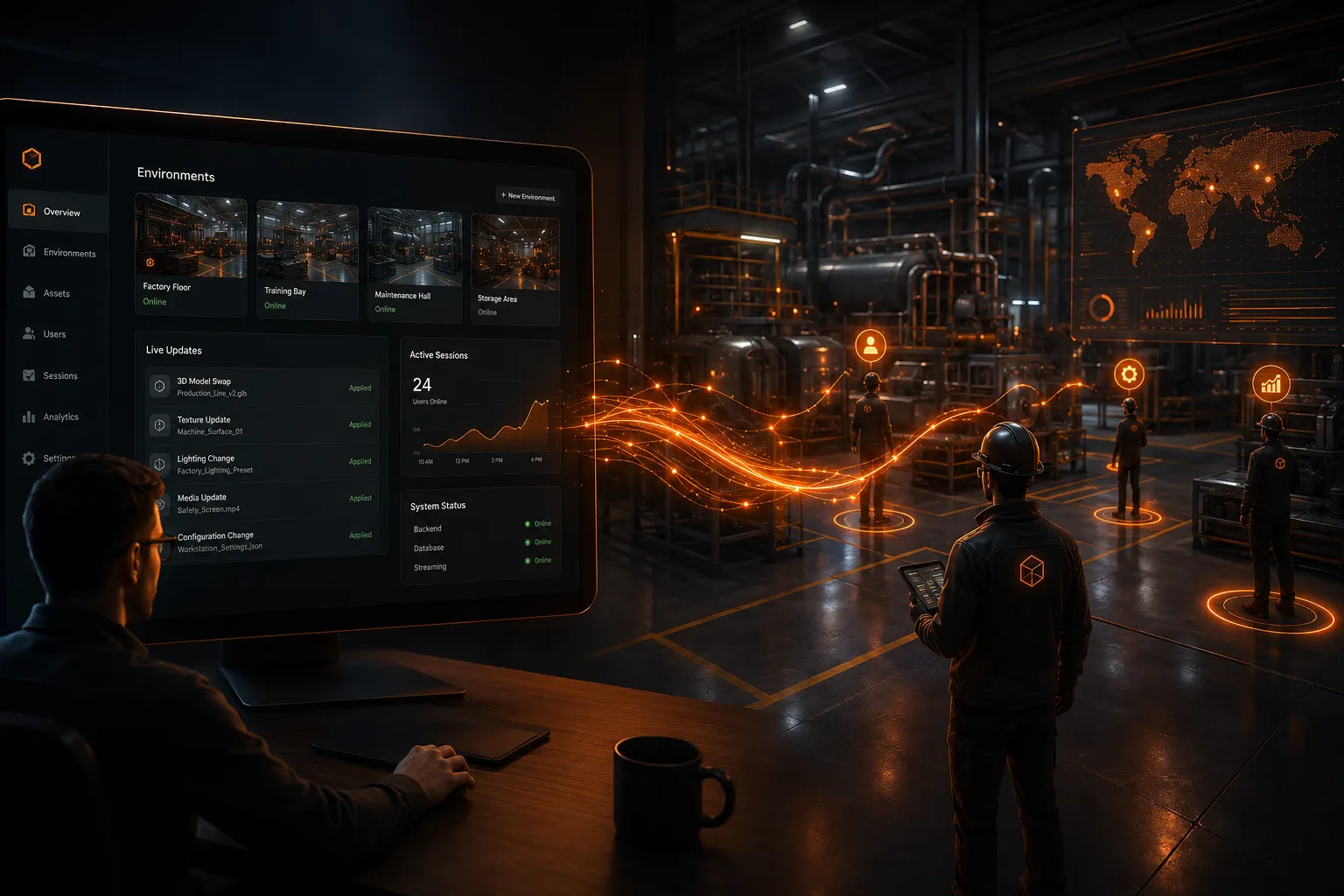
Change content, branding, and media through a simple web backend and watch it appear for everyone, instantly. There is no new version to compile, publish, or push out to every device. Your environments stay effortless to keep current long after launch day.

A web dashboard on one side pushing live updates into a virtual world on the other